Create a Test Store
Marketplace APIs are not yet generally available. Prospective partners can apply for API access directly through the DoorDash Developer Portal.
New to the Developer Portal? Sign up here to create an account and apply for access.
Already have a Developer Portal account? Log in and submit your application from the Integrations tab.
A store is one of a provider's locations. Each provider can have multiple stores (for example, each restaurant location).
To create a test store:
-
Go to https://developer.doordash.com/portal/integration/marketplace/get_started.
-
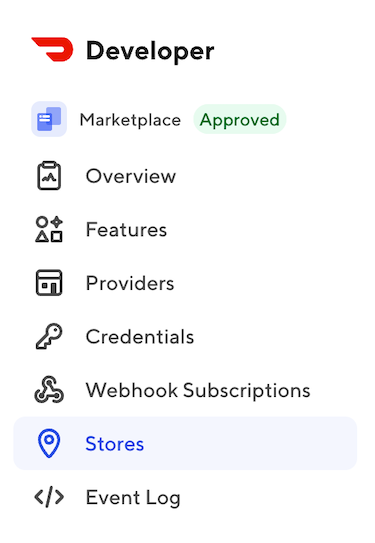
In the left navigation, click Stores.
-
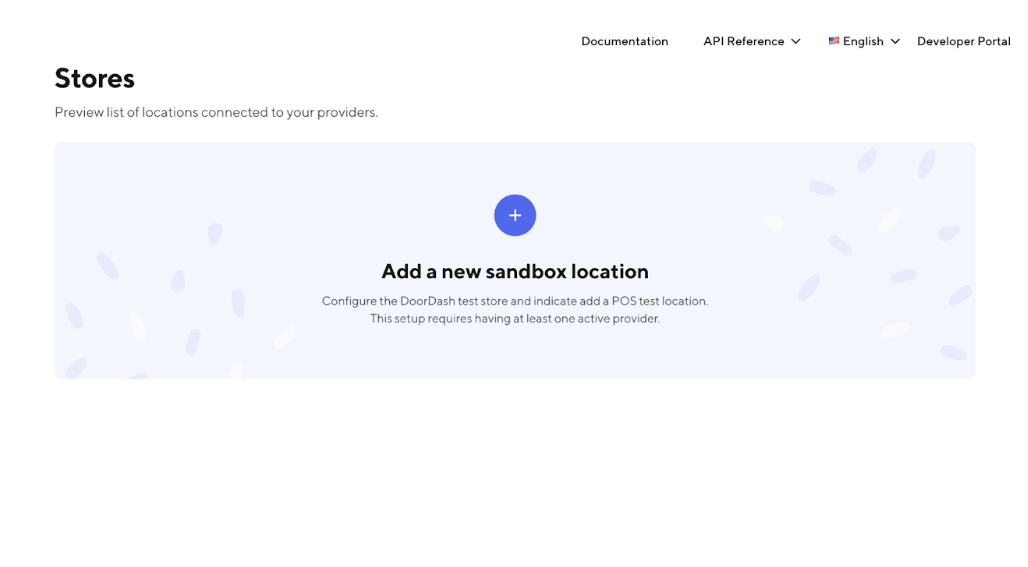
Click Add test store.
-
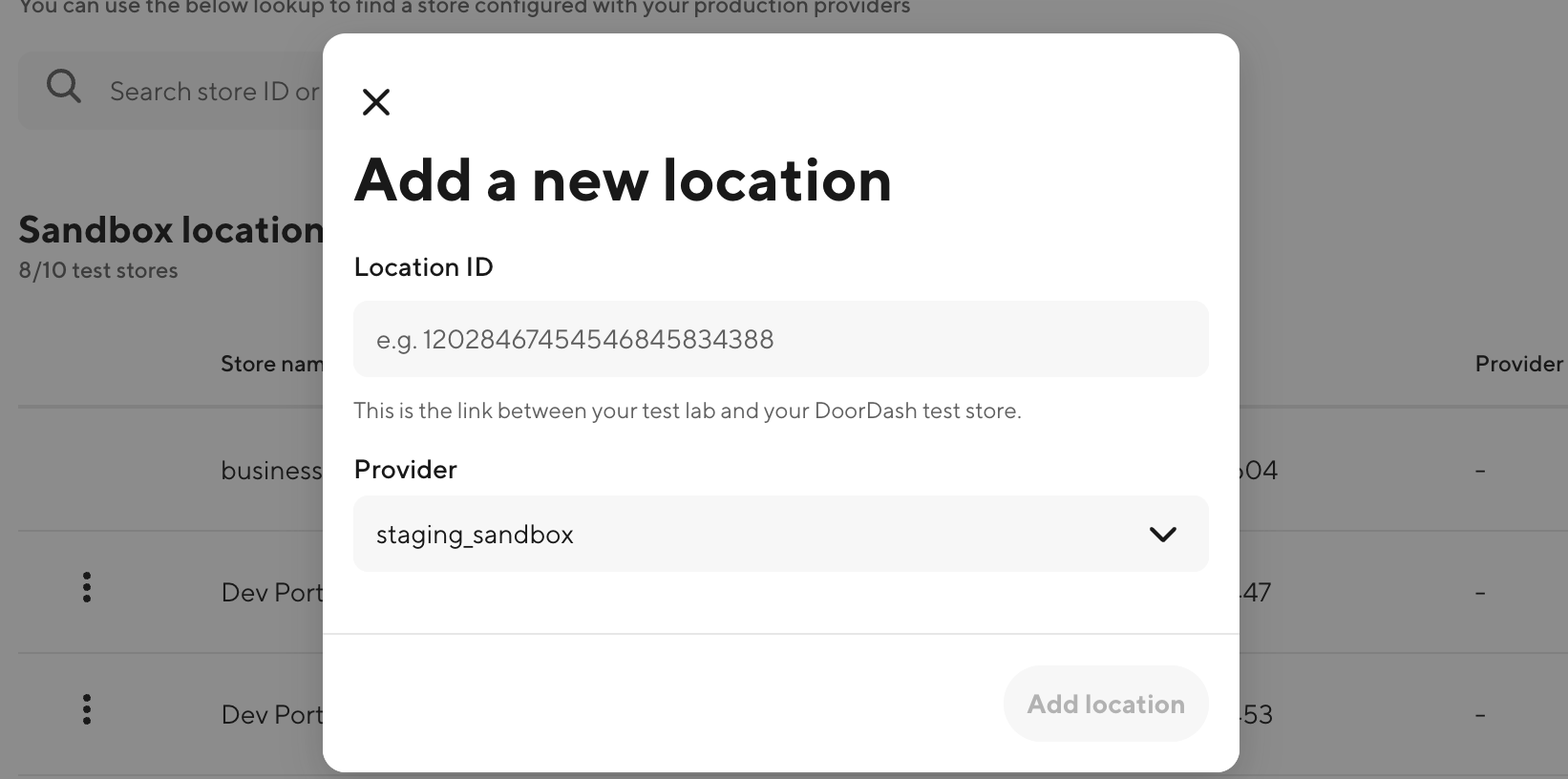
On the Add a new location page, enter the Location ID.

-
From the Provider list, select the test provider you created earlier.
-
Click Add Location.
- The store is now added to your organization.
Note: You can add up to 20 test stores.